

Designing for yourself is always challenging. Having free reign to create is often more difficult than when a client provides guidelines. This is why the idea of designing a website using a pre-existing HTML temple offered some boundaries for creating a portfolio website for myself. The template gave me some structure to follow and included features I have yet to learn.
Getting Started
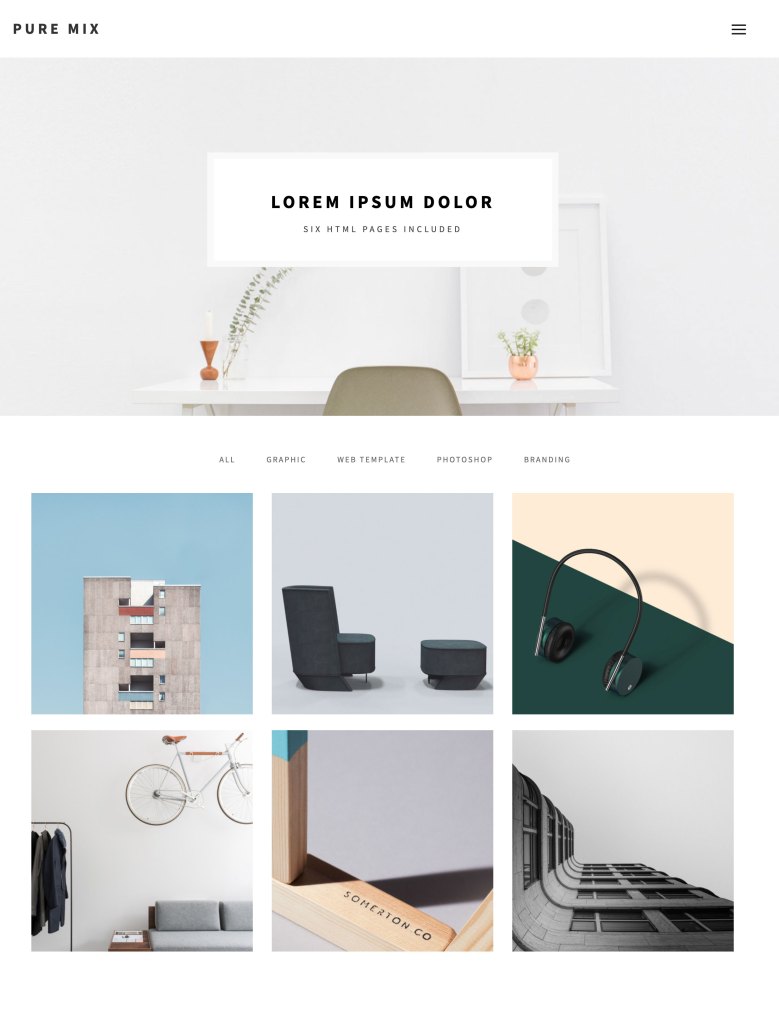
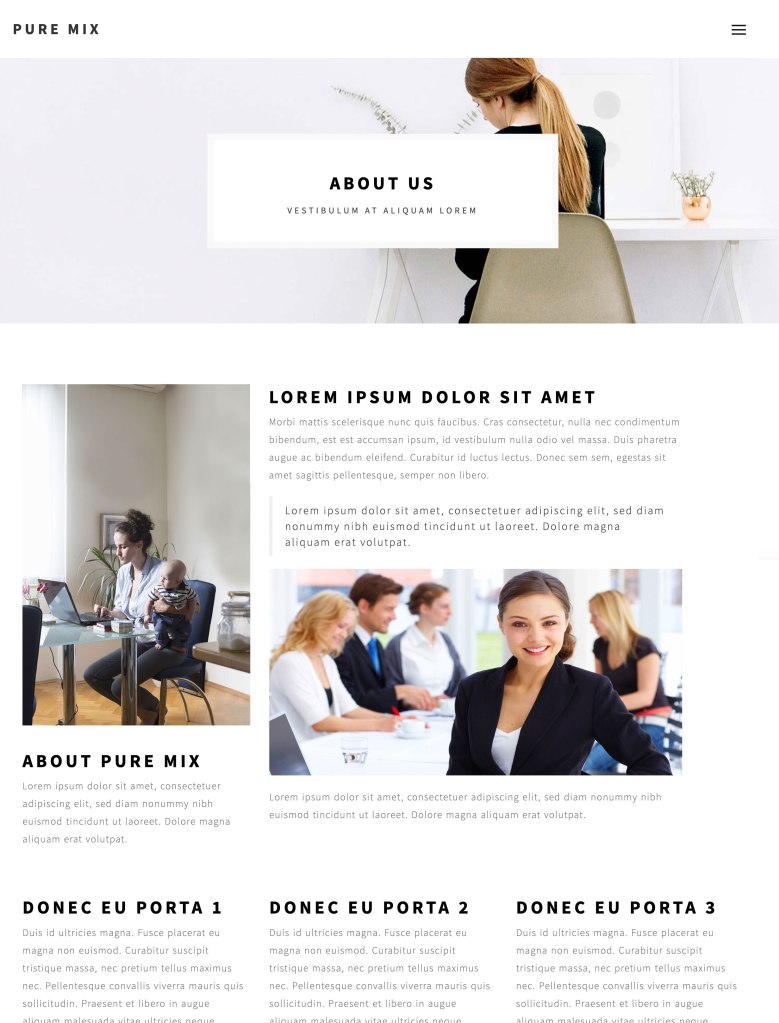
Using Tooplate, I could choose from hundreds of quality, professional-looking free HTML templates. It blew my mind how generous these developers are and made me curious about how they can gain from posting their work for free, but that’s a topic for another day. Finally, after much searching, I found a template called Puremix, which included all of the necessary javascript, icon, and style sheets. It also included bootstrap, which focuses on making the website responsive and functional on mobile devices.
Sketching and Planning
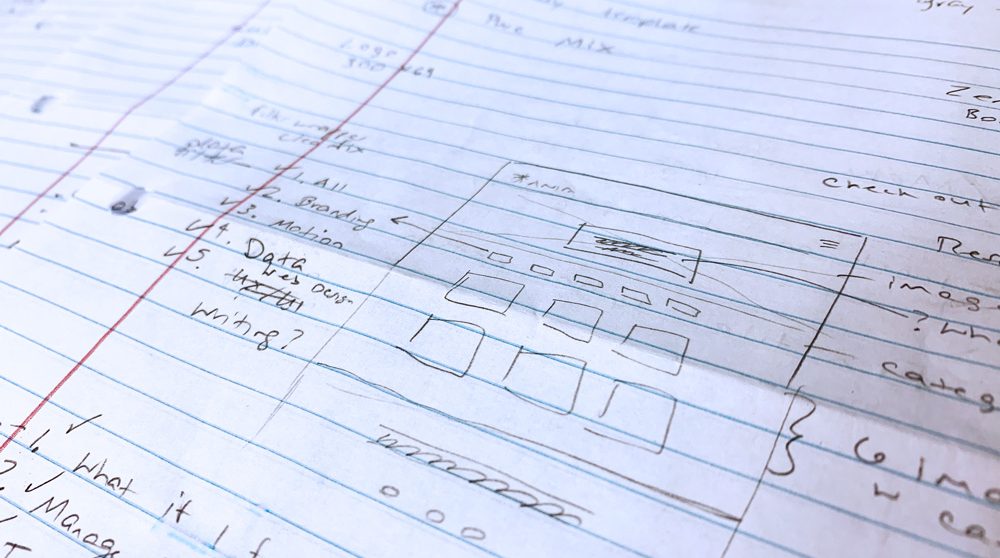
With my template selected, I began mapping out portfolio images and the text, then choosing coordinating colors. Next, I mapped out how I would make the stark white template reflect my work and who I am as a designer.
Diving In
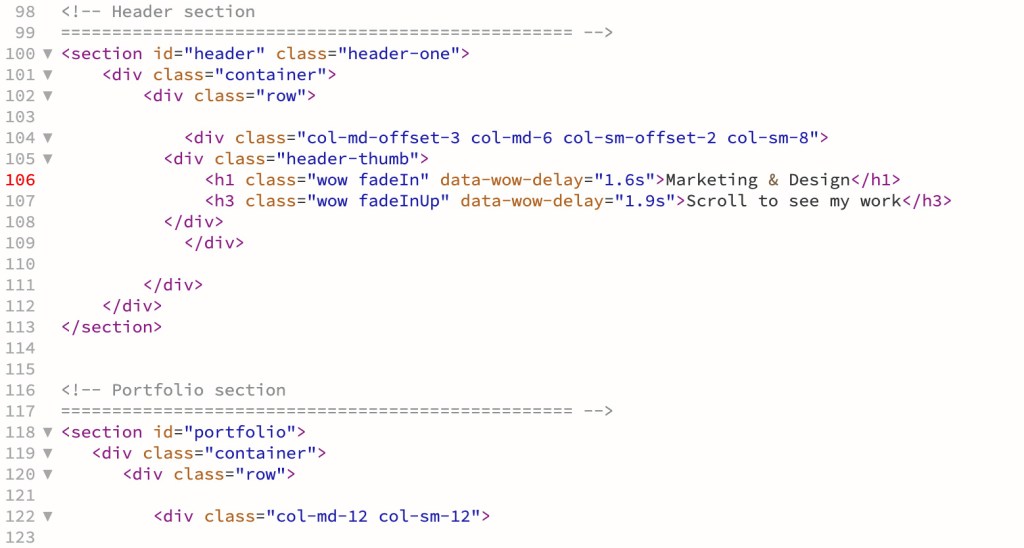
Opening up the template in Dreamweaver for the first time felt intimidating, but after reading the code, I noticed the developer annotated the files and organized each section. The head, body, styles, and typography were all clearly labeled. To begin customizing the template, I decided to replace the font, thinking it would be easy; however, I was wrong. The fonts in the files were linked to google fonts. I could not get a new google font to link correctly and had to let this go. Instead, I moved on to replacing all of the images, changing all of the colors, and adding my text. Through my process, I found an error in the code. The template repeated the same block of code five times. Thankfully it was a simple fix, and I could continue with my design.
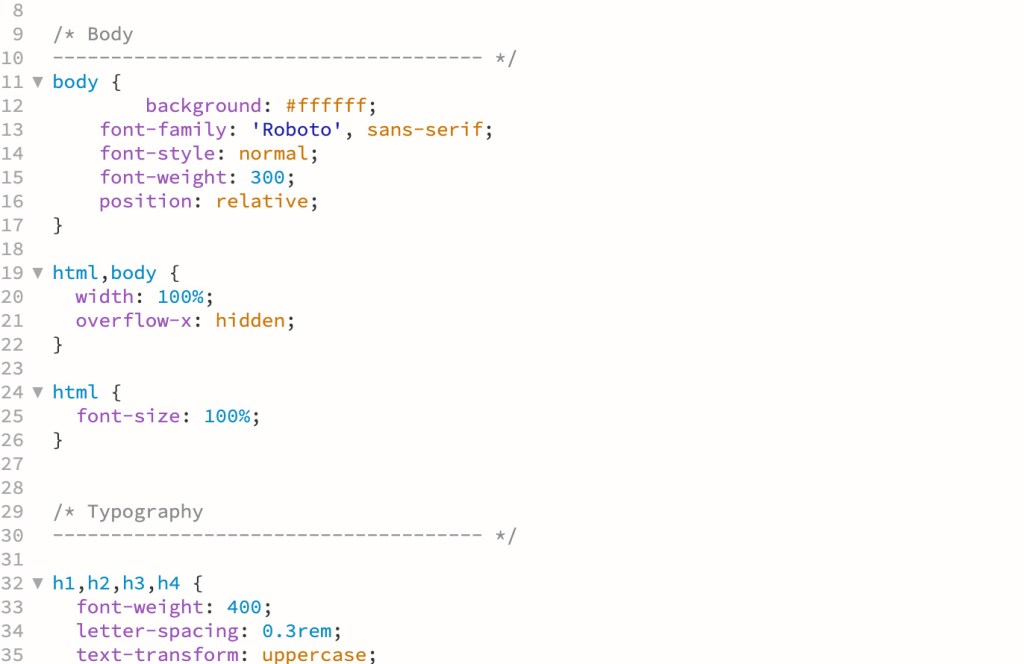
One fascinating element included in the template was Font Awesome, and boy, does it live up to its name. Font Awesome is a collection of fonts and icons that act like a style sheet linked to the source code. Every icon you could need is available- Mind Blown! To update the social icons at the bottom of the template, all I had to do was search in Font Awesome, find the names of the icons I wanted, and quickly update the code. It was awesome!
Final Product
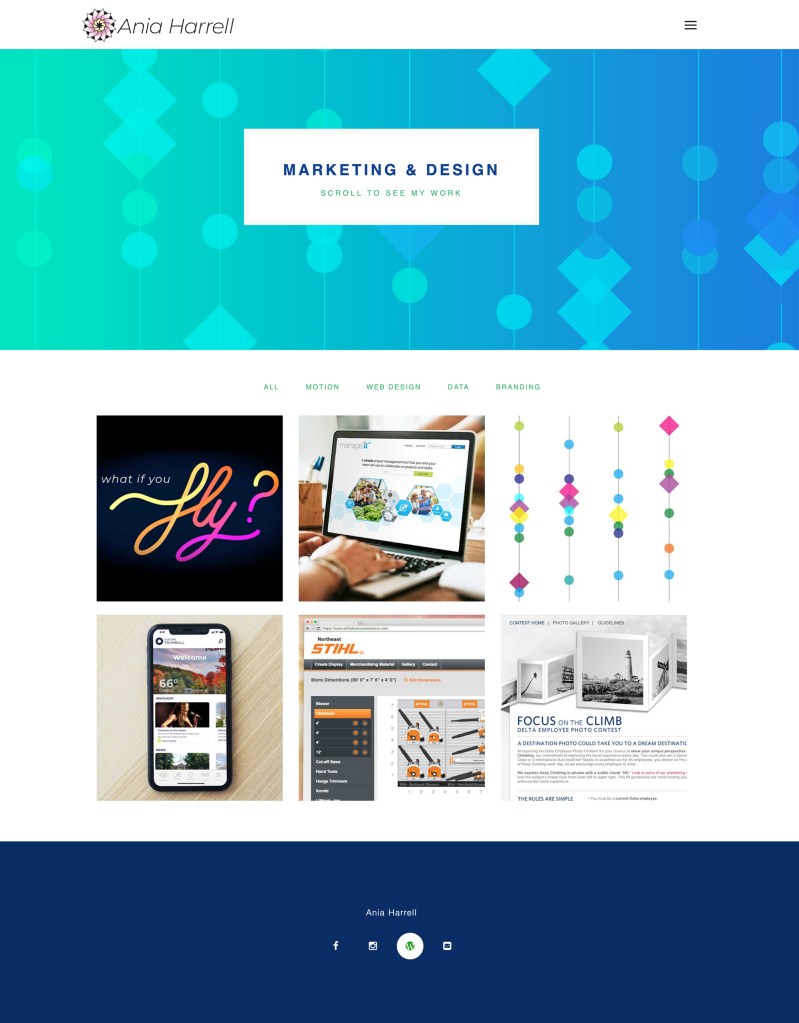
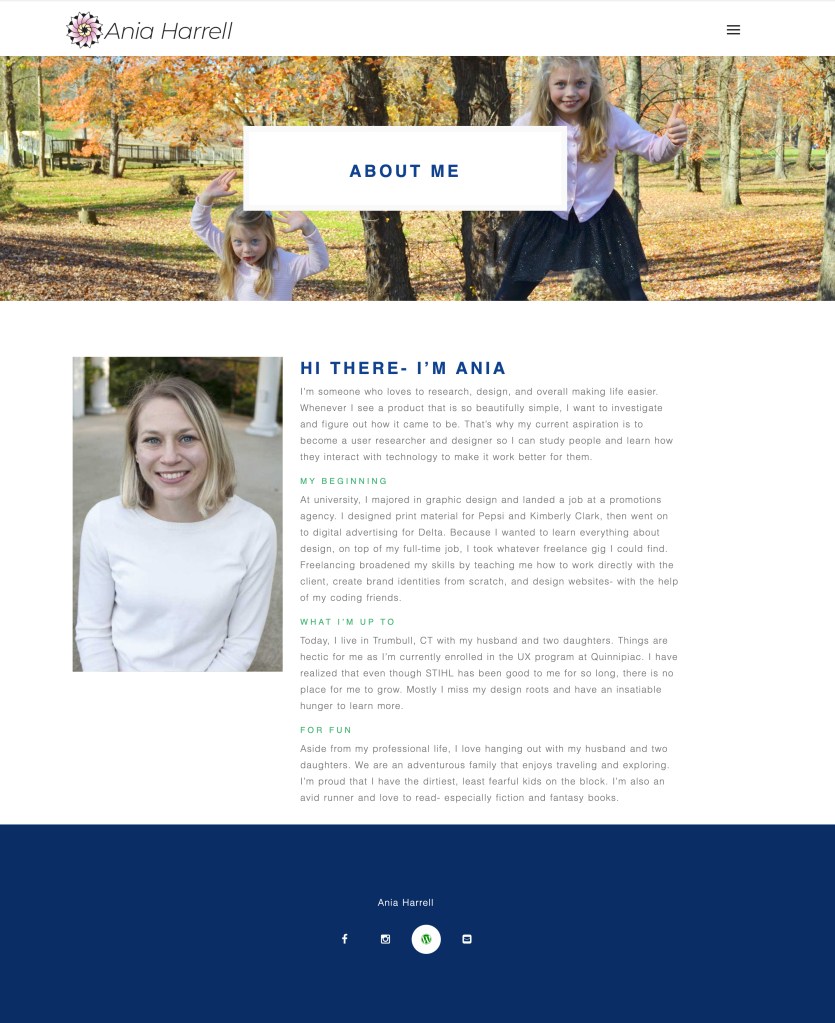
Overall, using a pre-existing HTML template was a great experience. Knowing I was selecting a free template option, I thought it would be basic and outdated; instead, the template included animation and overlays that I had never coded before. I also saw the backend of a reasonably complex website and how the additional javascript, bootstrap, etc., make for an impressive-looking website. The experience helped me understand how pros work and gave me the confidence to use basic coding when needed.
Here’s the link to my site.
 To Mulberry Street Marketing & Design
Leave a comment