
Explore Trumbull
Prototype on Paper
How do you know if the app you are working on is going in the right direction? You researched the users, identified key goals, and laid out a site map and user flows. A lot of work has gone into your app idea. But the only real way to know if your app has a chance at being successful is to start putting it in front of potential users and testing it out.
Christopher Murphy
User Testing with Paper Prototypes
Prototype on paper or POP are hand drawings of the step-by-step actions a user would take in a potential app, website, or software. These prototypes are an excellent way to communicate ideas with other teammates and allow them to weigh in on the design. They are also a great tool to gain constructive user feedback. Because the test material is only drawings, time and money were not wasted on designs or code that may not be used.
Prototypes are made quickly, then tested to reveal any potential issues that need to be resolved. All of the findings can also be shared with clients to help justify design decisions made.
How to Test
Begin with a script. I recently ran a user test for an app I am working on called Explore Trumbull, and I began my script by explaining that the test was only for the app- not the user. I made sure this was very clear so the users did not feel intimidated or put off by any issues that may arise. Then I asked the user to “think out loud” during the entire process. I wanted to gain an understanding of what they say and how they interpreted the drawing. I explained that there were no wrong answers and if something did not go as they expected to please share that. Then I took each user through four scenarios and assigned them a task to complete by themselves without my help. Here is a link to my script.
Next, to run a test, there are four leading roles:
- A facilitator to assign the tasks and ask appropriate questions.
- A human-computer to rearrange the paper prototypes when the user ‘clicks’ an item. The is person should not speak.
- Observers to listen to the user’s comments, watch their actions, and take notes.
- The person tested.
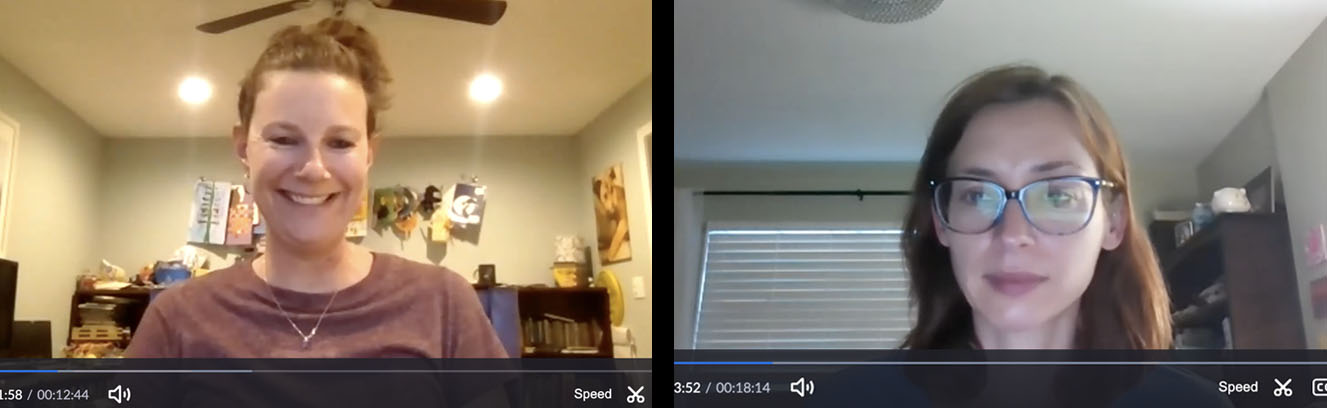
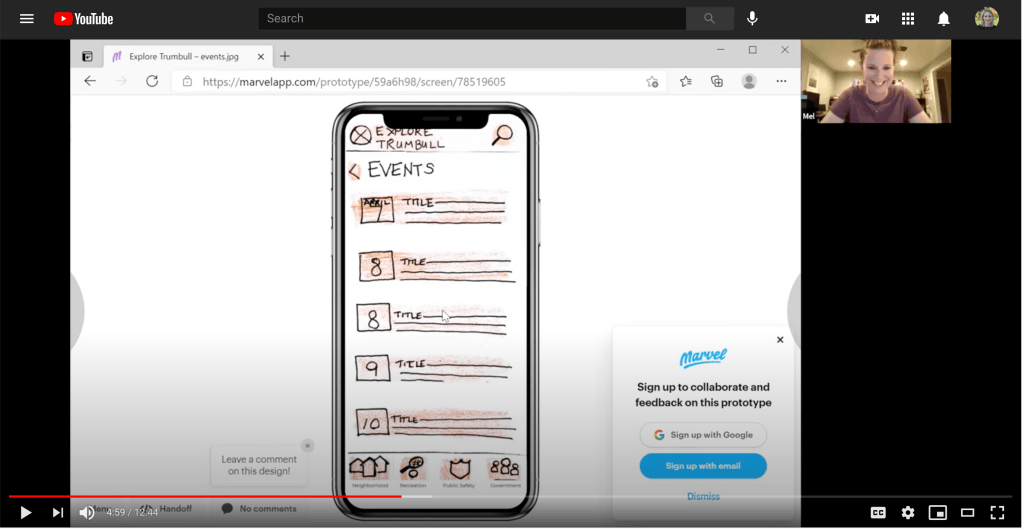
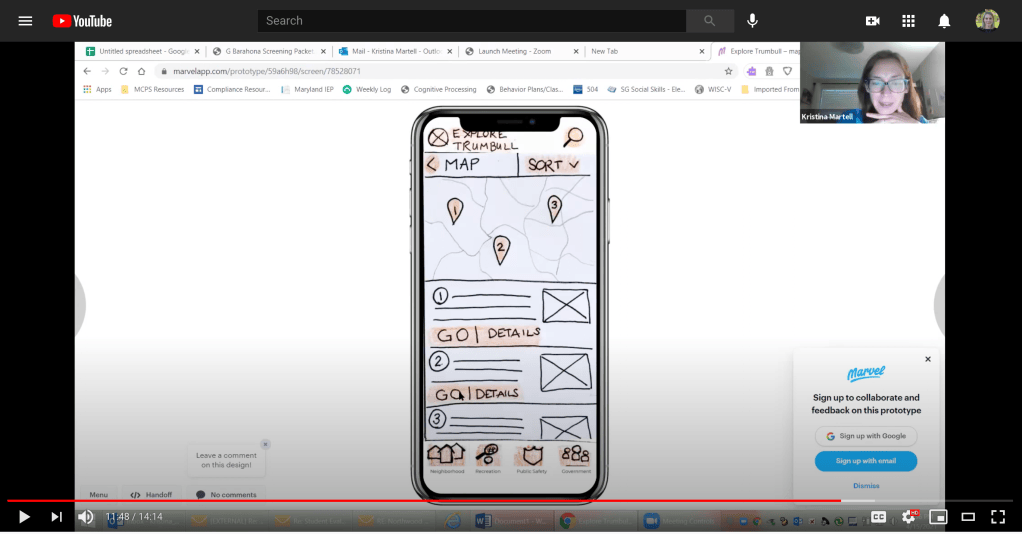
My method of testing was far more guerrilla than the recommended method. With my time and resource constraints, I had to improvise. For my human-computer, I used a website called MarvelApp that allowed me to upload all of my drawings and add hot spots to select areas so that when the user clicks a location I designated to be a button, it would lead them to my next drawing. It is a fantastic tool. Next, my users were remote, so I tested the users over Zoom and recorded them. During the Zoom meeting, I acted as the facilitator describing user scenarios and aiding the users when necessary. By recording our meeting, I could go back to be an observer watching the users, seeing where they moved their mouse and attempted to click. I recorded all of the positive and negative interactions.
Watch videos below:
Benefits of Testing POP
While drawing my paper prototypes, I tried to think of every possible scenario, every pop-up screen, and hurdle a user may come across. I felt I covered my bases. Overall my test did go well. The users tested completed their tasks as I predicted, and there were no significant hurdles. However, the test did reveal areas that need improvement, especially where I least expected it.
The earlier you identify problems, the less expensive it is to fix.
Christopher Murphy
Testing early in the app process is incredibly beneficial. I was happy that I did not have an in depth design that needed to be completely overhauled to fix the issues the app had. It was fun to hear that the users felt the app was “simple and easy to navigate.” I was reassured that I was on the right path. I was also surprised to see where users got stuck. I did not intend for my app to have a robust map feature, but the users expected more from the Town Map that I provided. One commented that the word “sort” did not feel right and both clicked on the map pins hoping for a response. Also the user who had no experience paying their taxes online was more confused with the process than the user who does pay their taxes online.
With the information gathered from my testing, I am excited to keep working and refining my app. I have a better direction from the actual users to create a more useful town app. I enjoyed observing how users interacted with my POP, it was exciting to see them move through the app as I intended them too. I also learned that as much thought I put into each step, there were blunders that I couldn’t have imagined. Overall, the process proved to be very beneficial to my app creation process.
Click here to download my complete POP presentation:
 To Mulberry Street Marketing & Design
Leave a comment